AI has crept into almost every sector by now. Schools use it. Hospitals use it. So does every online store you have bought socks from. You have felt it yourself, probably without thinking twice: the chatbot that actually answered your question, the voice assistant that understood a mumbled request, the “you might also like” row that was annoyingly accurate.
But few places have been shaken up as much as mobile app development, where AI and ML now sit close to the center of the build.
Think about where people go first. Want to shop, learn something, message a friend, kill twenty minutes? They reach for the phone. So if you run a business, an app stopped being a nice extra a while ago. Skip it and you quietly drop out of the places your customers already spend their day.
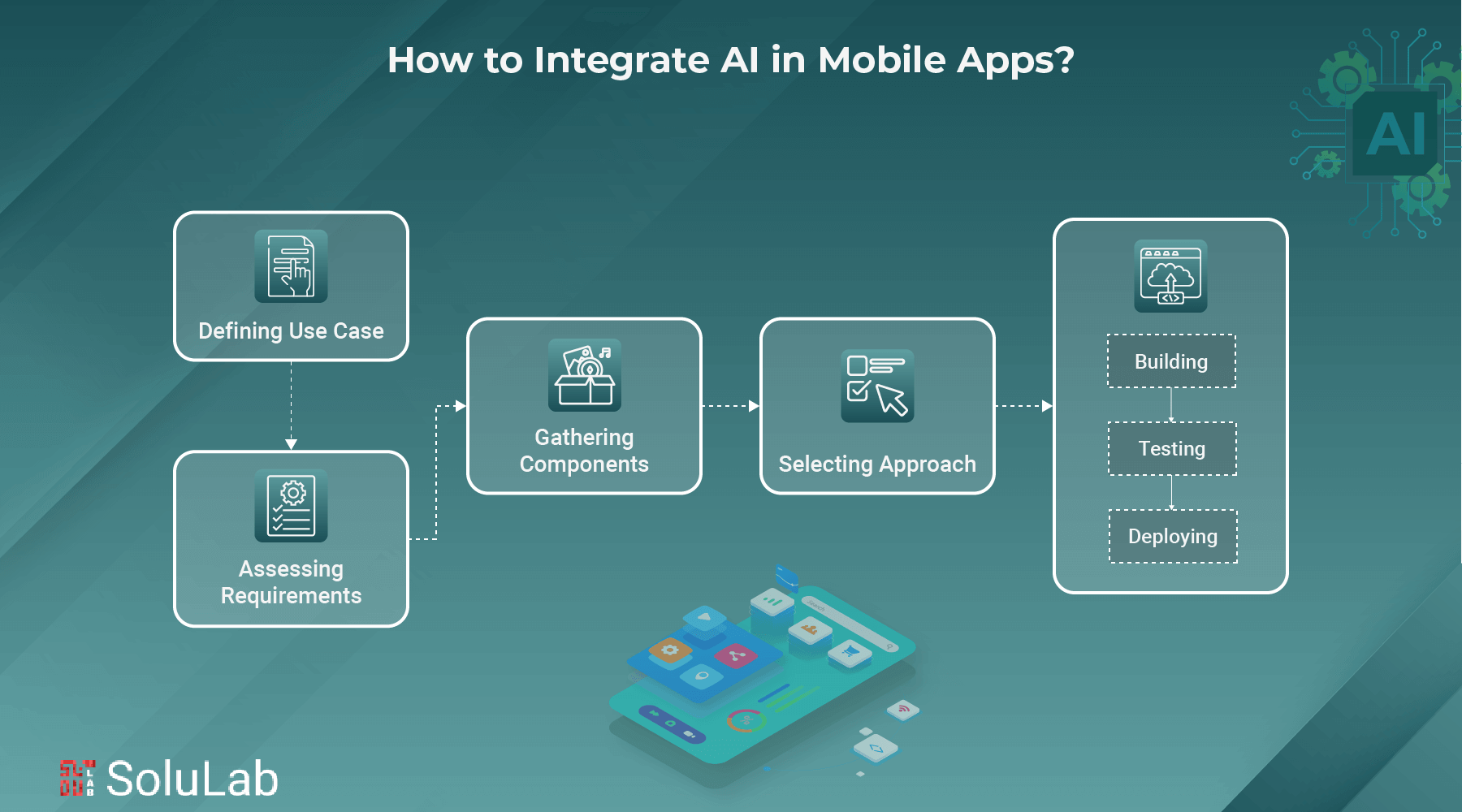
Below, we look at why AI matters so much in mobile app development, where it shows up in real apps, and which tools developers actually reach for.
Why AI is Important in Mobile App Development?
Short answer: it changes how apps get built and how they behave once they are in someone’s hand. Apps become quicker, sharper, and more tuned to the person using them. Security, personalization, the lot. Here is where the difference is most obvious.
1. Stronger Security: AI watches for threats as they happen and cuts down on fraud before it lands. It is also what sits behind fingerprint and face unlock, so logging in or paying for something is both safer and a lot less fiddly than typing a password.
2. Voice & Image Recognition: Plenty of apps now listen and look. You see it in voice assistants, in visual search, and in a long tail of other apps. The payoff is simple. People who struggle with tiny menus can just speak or point the camera, and everyone else finds the app easier to get around.
3. Personalization: An app with AI inside picks up on what you do and what you like. Over time it adjusts the content you see, the products it suggests, even when it pings you. For the business, that relevance is the whole point: happier users, and users who stick around for years instead of weeks.
4. Increasing Productivity: AI-based tools can take over the dull, repetitive parts of coding, run app tests properly, and flag design tweaks worth making. Cycles get shorter. Fewer mistakes slip through. And developers get their hours back for the work that actually needs a human brain.
5. Improved Predictive Analytics: Predictive analytics is how AI guesses what a user will want or do next. An app can suggest the next step, forecast demand, and back up decisions with data rather than gut feel. For a business, that means spotting shifts early instead of reacting late.

AI Technologies Behind Smarter Mobile Apps
Artificial Intelligence is turning ordinary apps into tools that feel built for one person. Language, images, fresh content: AI handles all three, and the result is an app that seems to get what you meant. So what is actually doing the work under the hood?
- Machine Learning (ML): Machine Learning lets an app learn from how people use it and get better the longer it runs. A shopping app suggests products based on what you bought before. A fitness app reshapes your workout plan as you get stronger.
- Natural Language Processing (NLP): NLP is how a machine makes sense of human language and answers back. It powers voice assistants and translation apps, and it is why typing, talking, or multilingual conversations all feel like the same natural conversation.
- Computer Vision: This is the part that lets an app “see.” It reads images and video, which is how you get face recognition in security apps, AR filters in social apps, and object detection on shopping platforms.
- Chatbots & Virtual Assistants: Instant help, any hour. These tools answer questions, take bookings, and walk people through everyday tasks. Users get a more responsive app, and the business needs fewer people on the support desk.
- Generative AI: Generative AI makes new stuff inside the app: images, music, text. Think AI photo editing, marketing messages written for one specific customer, content on demand. Users play with it, and they come back to play again.
Applications of AI in Mobile App Development
Theory is fine. Examples are better. Here are a few apps, across education, entertainment, cars and more, where AI is doing the heavy lifting:
1. Siri and Google Assistant
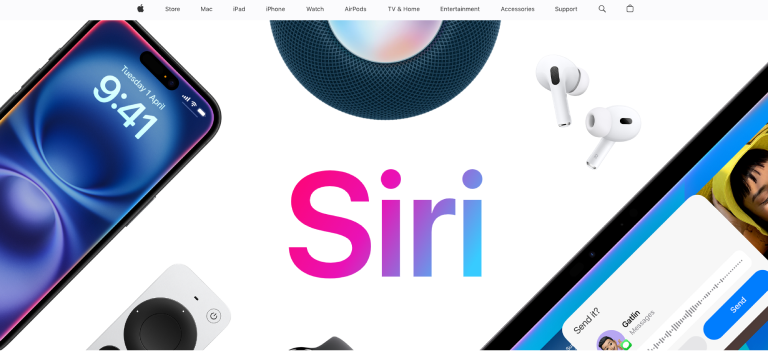
You chat with an assistant roughly the way you would chat with a friend. Play this song. Wake me at six. What is the capital of Peru? AI works out what your voice is asking and answers the way a person would, which is exactly why it feels so ordinary now.
2. Spotify
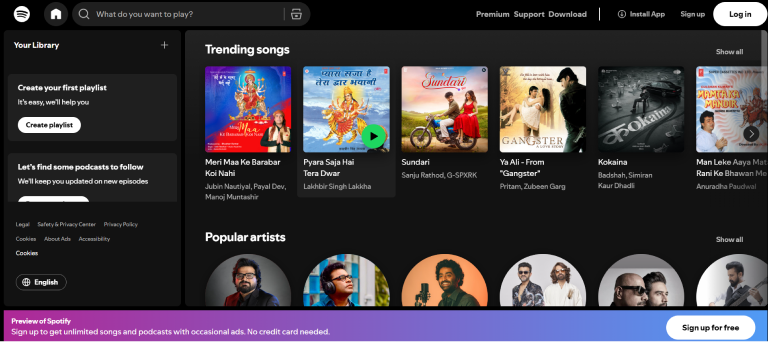
Spotify keeps track of what you play and how often. Its AI looks at the tracks you keep coming back to, then serves up new songs and playlists in the same spirit. Listen more, and the picks get noticeably better.
3. FaceApp
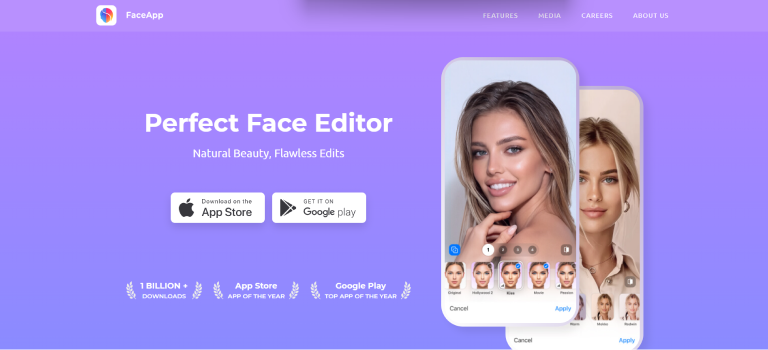
FaceApp runs AI neural networks over the patterns in your face, which is why its filters land so precisely. Trained on large datasets, it can age you, change your hairstyle, or swap your gender. It maps the key points of your face and, a few seconds later, hands back an image that looks unsettlingly real.
4. Tesla App

The Tesla application leans on AI for remote monitoring and smart control of the car. From your phone you can lock or unlock the doors, check how the battery is holding up, even summon the car to you. Behind the scenes, AI systems chew through live data from every vehicle.
5. Duolingo
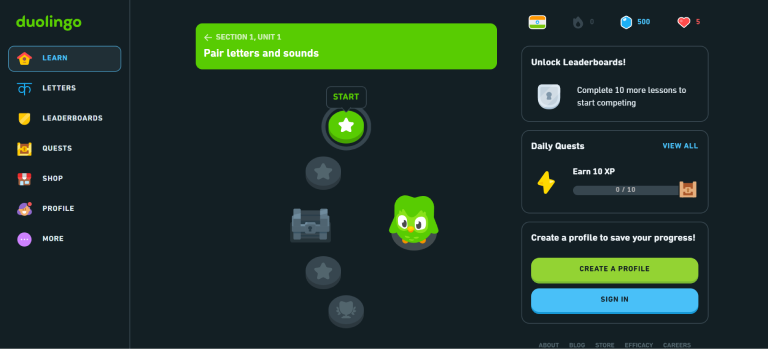
Duolingo uses AI and machine learning to fit language lessons to you. Every answer you give, right or wrong, gets tracked. Struggling? The lesson eases off. Breezing through? It gets harder. It also brings back the words and grammar rules you keep fumbling, again and again, until they finally stick.
Popular Tools for Mobile App Development in 2026
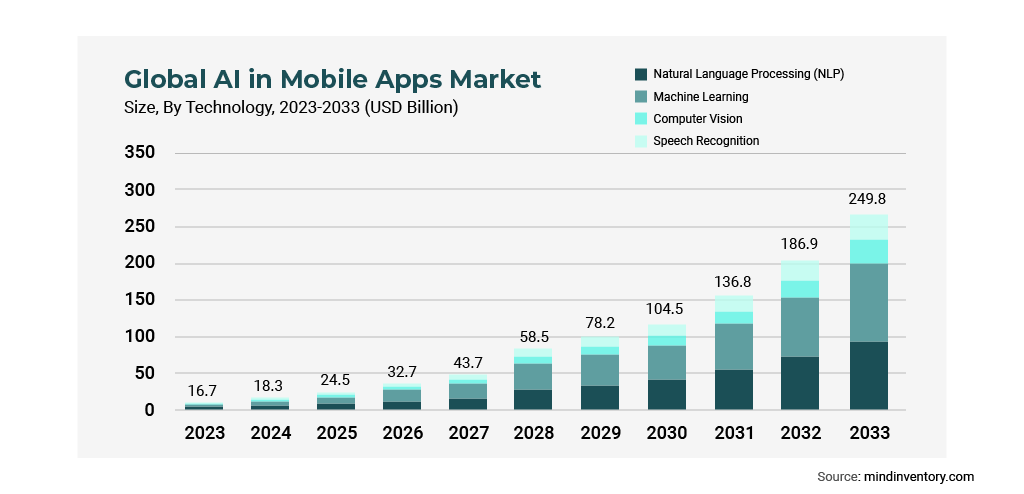
AI-powered mobile app development kept climbing through 2025. The AI in mobile app development market is expected to reach 103.29 billion in 2029.
None of that happens without good tooling. These are the frameworks that let developers ship apps that are smarter, quicker, and easier to use, and the ones worth knowing by name:
1. TensorFlow
On phones, the version you meet is TensorFlow Lite, Google’s slimmed-down machine learning framework. It lets developers run AI models right on the device, with little lag and a small storage footprint. Real-time image recognition, speech processing, predictive analytics: all of it works without a round trip to a cloud server.
2. ML core
Core ML is Apple’s way for iOS developers to put machine learning inside iPhone and iPad apps. Natural language processing, image analysis, and tailored experiences all run on models tuned for Apple’s own chips. The upside you notice as a user? Apps that run smoothly without draining the battery.
3. Dialogflow
Dialogflow, backed by Google, is one of the go-to options for conversational interfaces. Developers use it to drop smart chatbots and voice assistants into their apps. It handles many languages, understands natural phrasing, and plugs into Google Assistant.
4. PyTorch Mobile
PyTorch Mobile takes the well-loved PyTorch framework and trims it for phones. Getting a deep learning model onto Android or iOS becomes far less painful. It is quick and flexible, with dynamic computation graphs and real-time predictions, which suits AI-driven apps that change often.
5. The Firebase ML Kit
Mobile developers can turn to Firebase ML Kit machine learning APIs. You do not need an ML background to add text recognition, face detection, or image labeling. It mixes on-device and cloud processing, so you get accuracy and speed, which makes it a very practical pick when you want results rather than research.
Conclusion
The list of ways a business can use AI in a mobile app is long, and it keeps getting longer. What it really gives you is room: new features, new ideas, and apps that feel like they were built for each person holding them.
SoluLab, an AI-powered mobile app development company in USA, builds AI apps with the tools covered above and plenty more. AI chatbots, predictive analytics, recommendation engines, voice recognition: whichever you need, our team wires it into your app cleanly, so it works like it was always part of the product.
Want an app that still holds up in five years? Get in touch with us today!
FAQs
Shipra Garg is a tech-focused content strategist and copywriter specializing in Web3, blockchain, and artificial intelligence. She has worked with startups and enterprise teams to craft high-conversion content that bridges deep tech with business impact. Her work translates complex innovations into clear, credible, and engaging narratives that drive growth and build trust in emerging tech markets.